My Account
1Data Gateway gives you a number of customisation options for your account.
Note: If usernames, email addresses and passwords are managed centrally by your organisation you are not able to change these details within 1Data Gateway. Please contact a User with the System Manager Role.
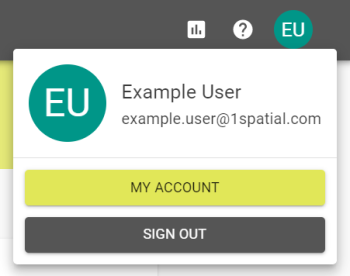
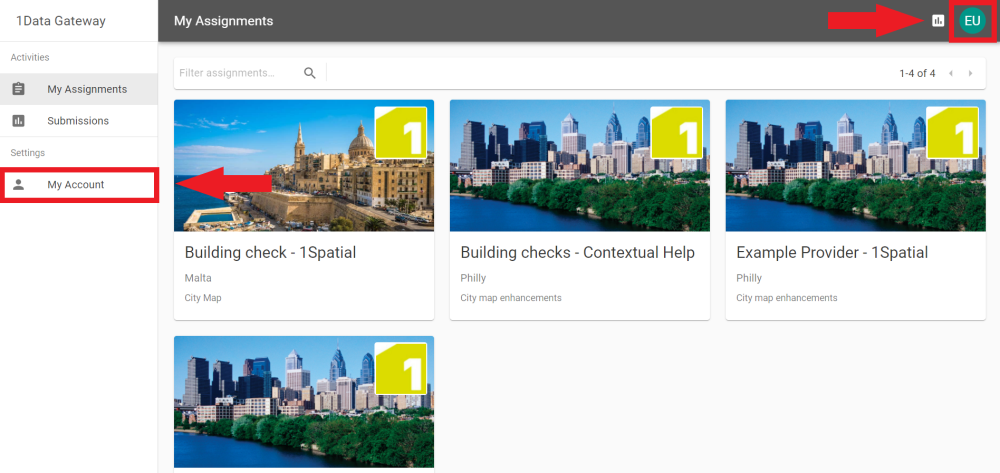
You can reach the My Account tab by either clicking My Account in the navigation pane or by clicking your user icon in the top left of 1Data Gateway and clicking My Account.
Profile
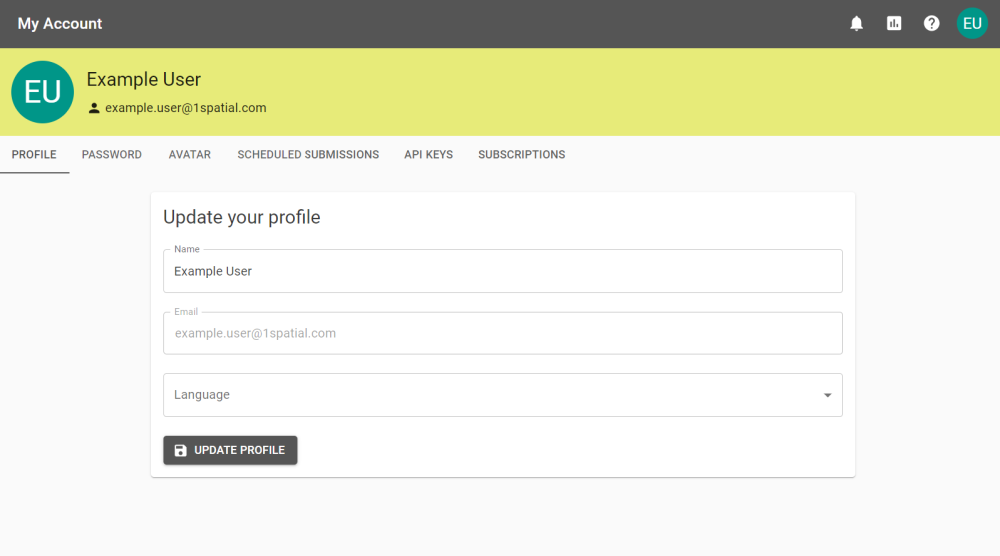
Update your profile information, including the language of 1Data Gateway.
Password
Change your password.
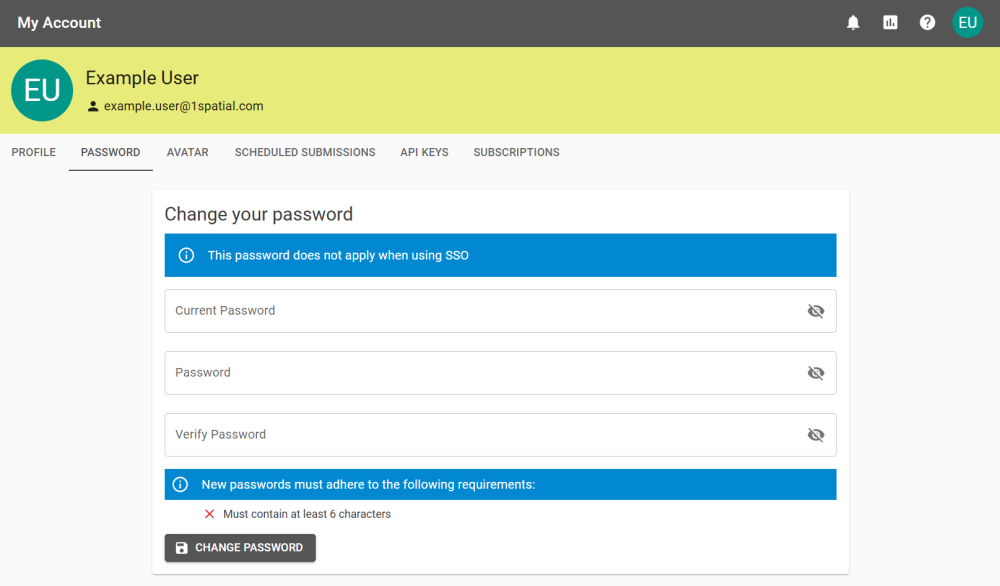
If you are using an Identity Provider (eg. SAML, OAuth, etc) then this is hidden. Passwords can only be changed using the external system that manages your account.
Avatar
Customise your Profile Avatar or upload an Avatar Image.
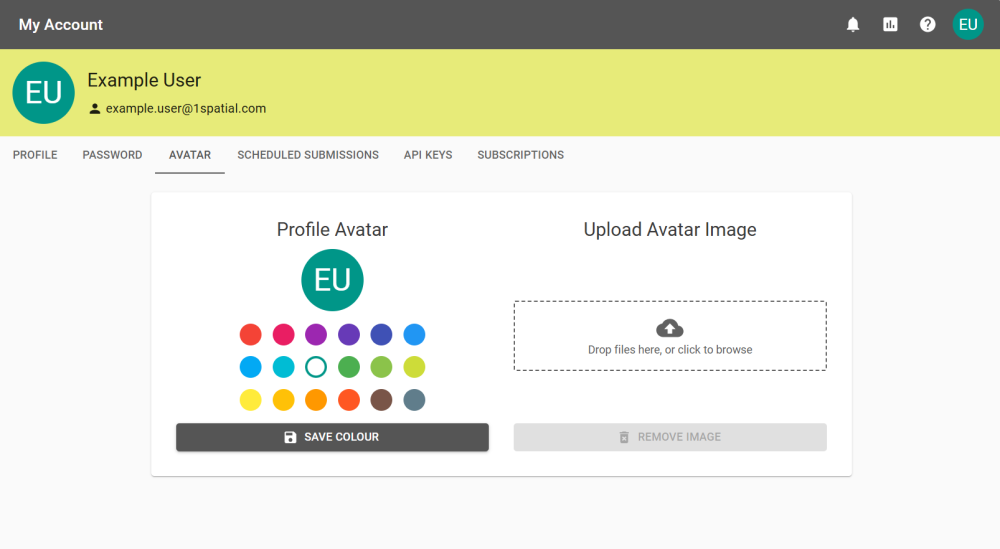
If the Virus Scanner is enabled the image is scanned when uploaded.
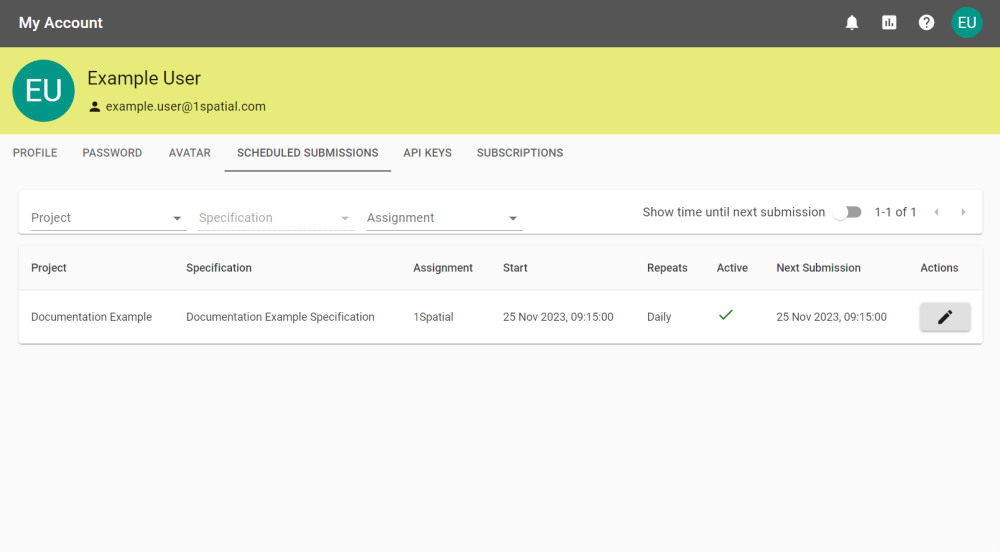
Scheduled Submissions
See your Scheduled Submissions.
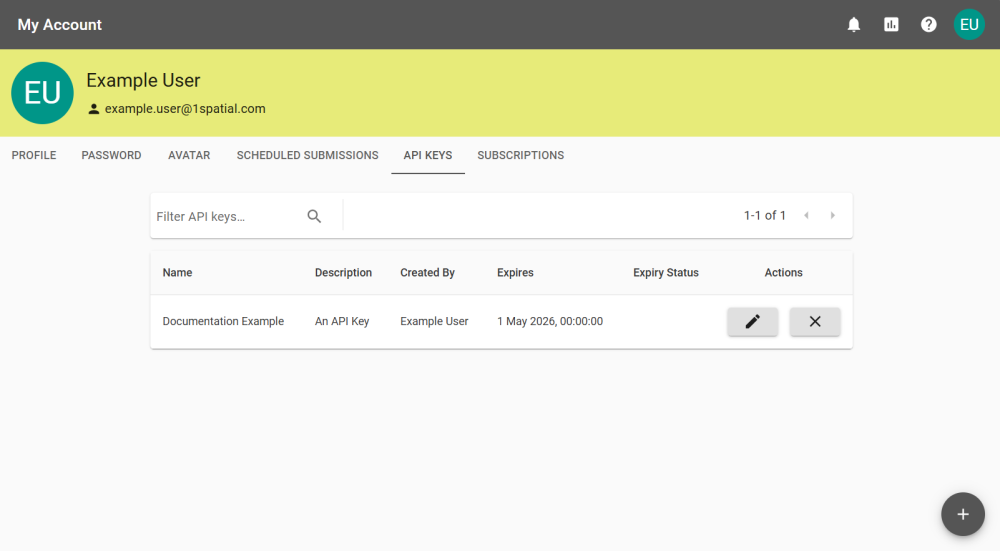
API Keys
Create your own API Keys. See API Docs for further information.
Subscriptions
Subscribe to a Specification to receive notifications and emails from all completed Submissions from that Specification.
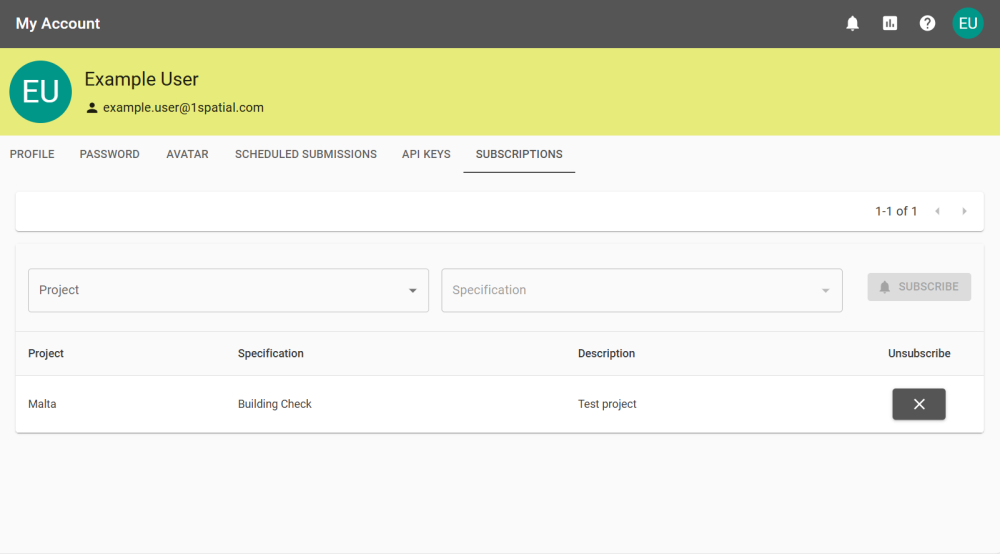
Unsubscribe by clicking the corresponding Unsubscribe button  .
.


