Action maps are used to connect rules to actions. The lists in the centre of the screen can be used to browse all folders of rules and actions to select an action to be invoked as part of a rule-based transformation whenever a feature is found that does not conform to the rule.
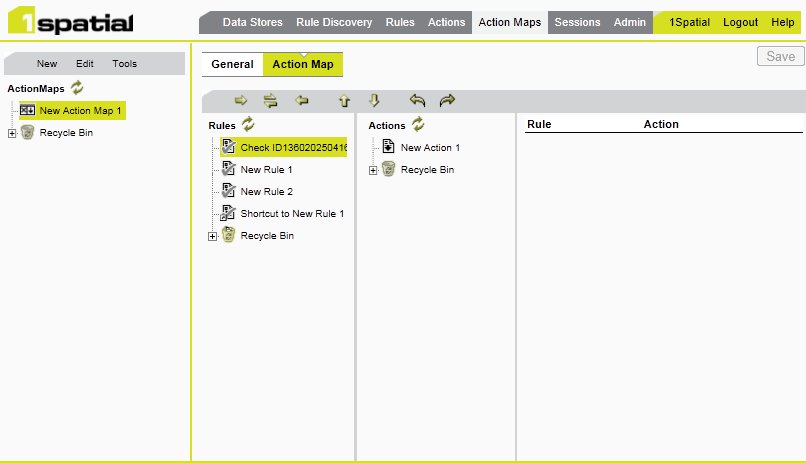
If the left-hand side of the pair is left blank (that is, no rule is specified), the action is applied to all objects in the relevant class.
The action map is a table of rules and the corresponding action. You can add more rows to the table and change the data in existing rows. Multi-level undo and redo can be used to correct mistakes. In the Sessions page, the Apply Action Map task uses an action map to specify the rules to check and the actions to invoke.