Manage Tenant
Manage Tenant can be reached by clicking the Manage Tenant tab  in the side bar.
Users with the Tenant Administrator permission can manage the Users for their Tenant. This includes creating, updating, deactivating, and deleting Users.
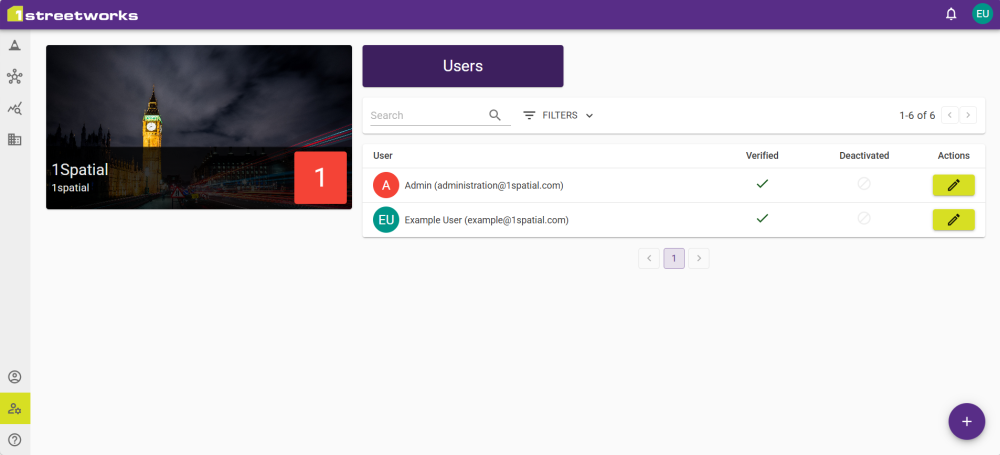
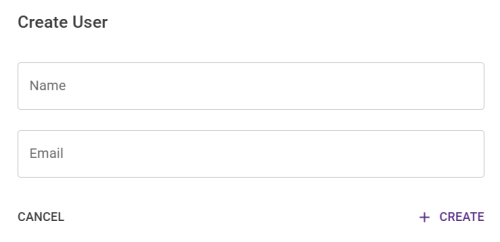
To add a new User, click the Add button  and fill in the form. Click Create to create the User and send a verification email to the specified address.
Click the Edit button  to change details for an existing User.
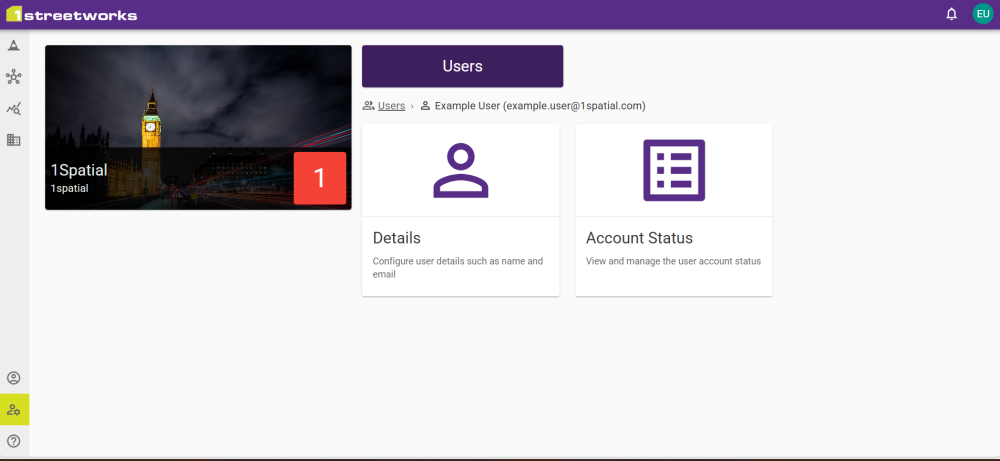
Users can have their details and account status changed.
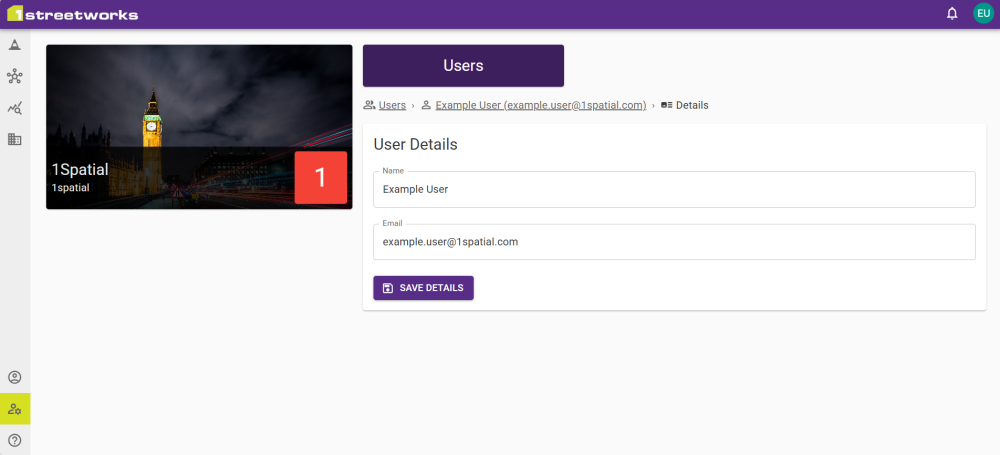
User Details
A User's name and email address can be changed for them.
Account Status
Details on a User's account can be viewed, such as when they last logged in and whether they have accepted the most recent SaaS Agreement.
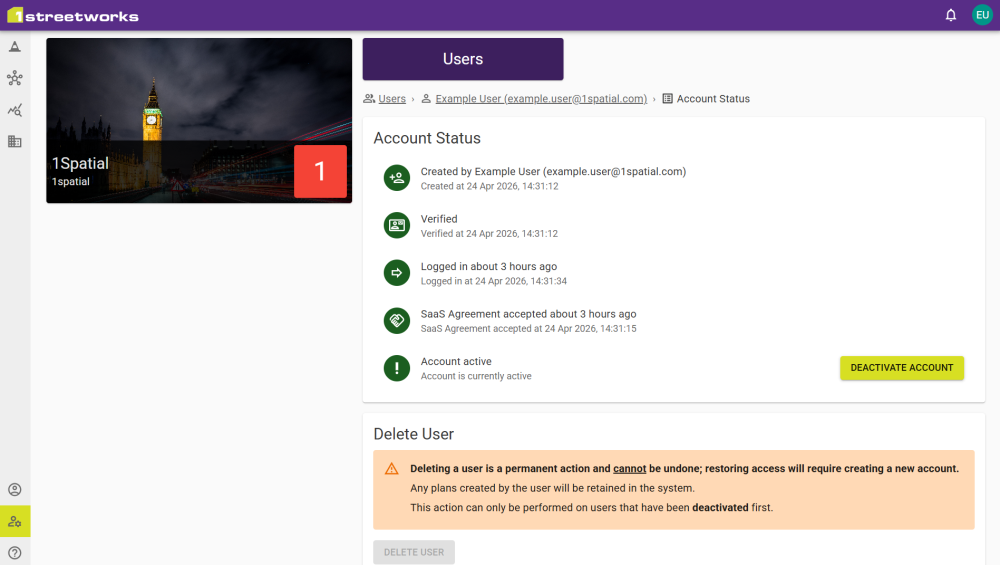
Users can be deactivated, and then permanently deleted.
 minute read