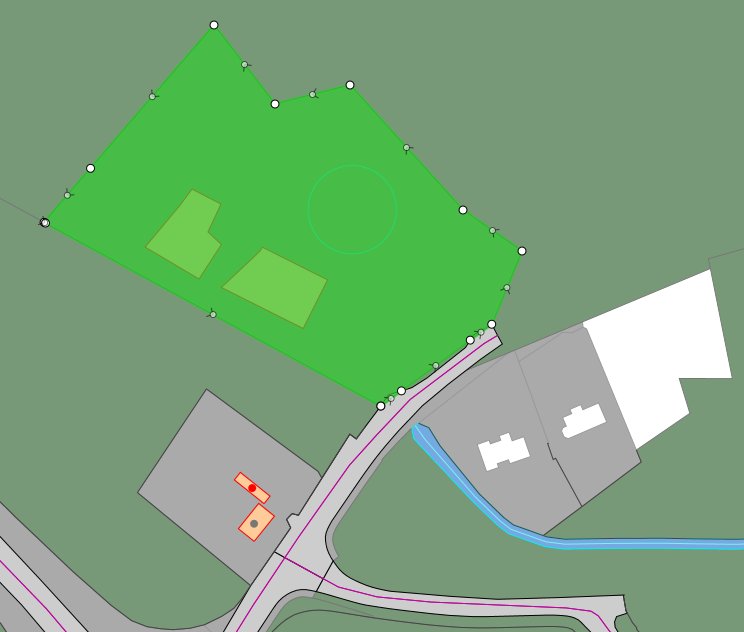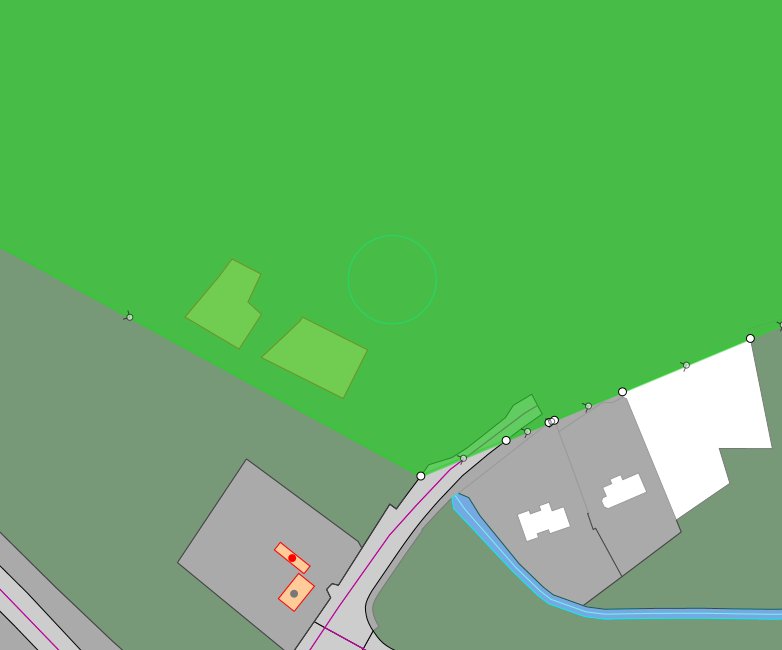
You can digitise lines or use existing lines to split polygons into smaller polygons. In this example, an area covered by a large vegetation polygon will be subdivided by digitising division lines and using the Split operation.
To subdivide a polygon:
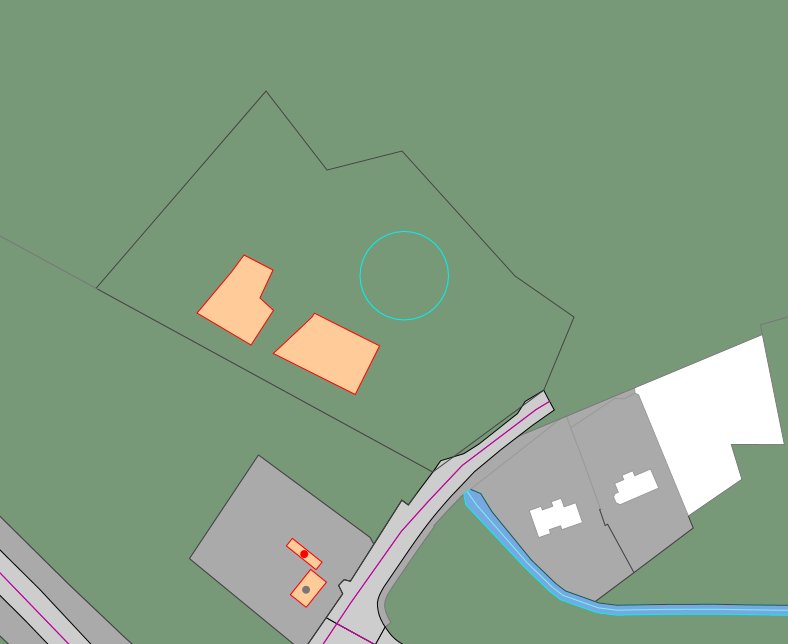

Switch to Topology mode if the division lines are difficult to view or select.
The polygon is split into two polygons: the area defined by the division lines and the original larger polygon. For example: